
Inspecting workflows
Whether you are viewing a workflow in an upstream repository or one you've created yourself locally, selecting it enables you to find out more information about it.
Workflow details are organised into different tabs containing Overview, Versions, and Files:
- Overview: Metadata such as author, tags, and source URIs.
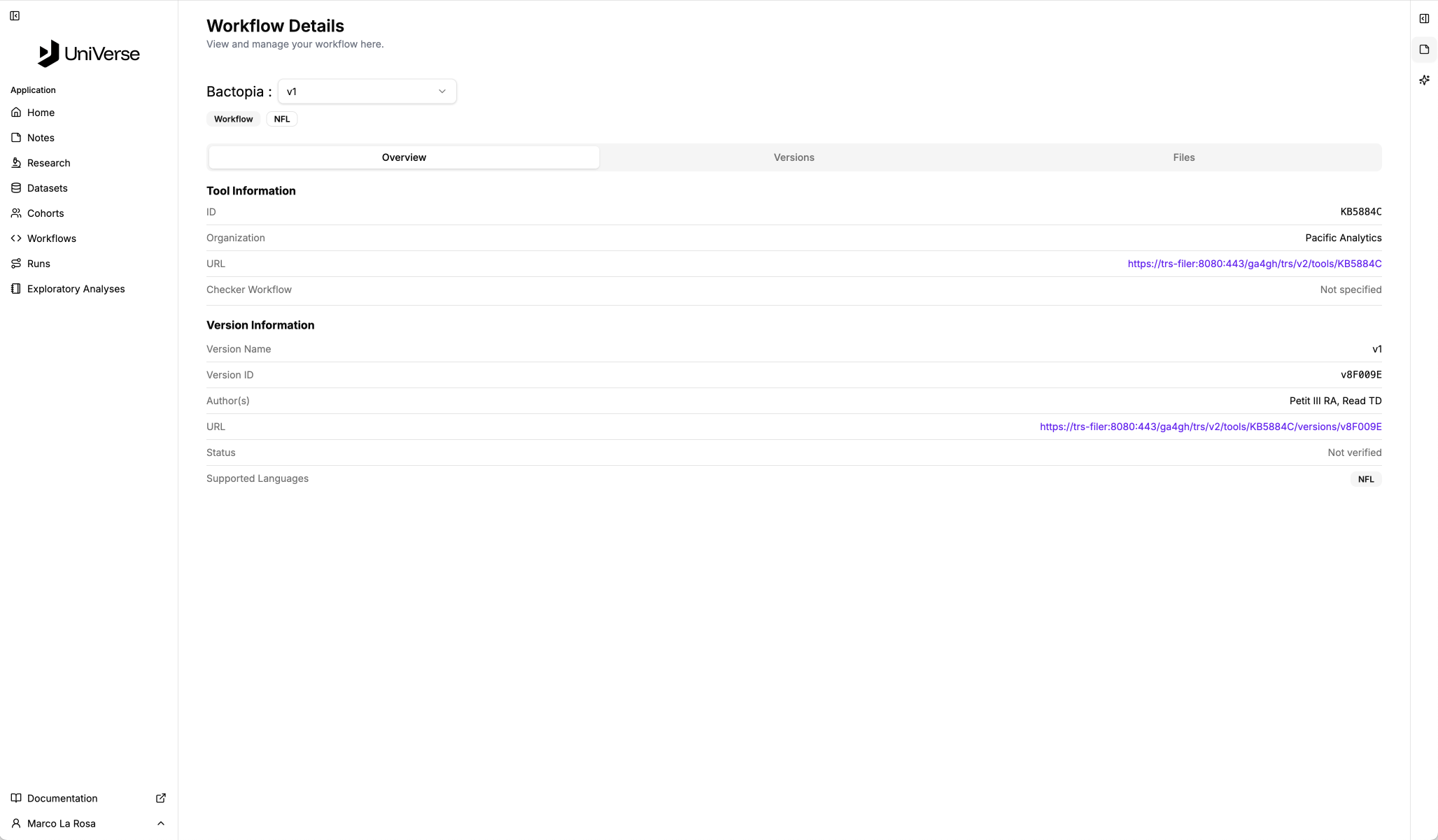
Click the image for a closer look!
- Versions: A list of available versions for the workflow.
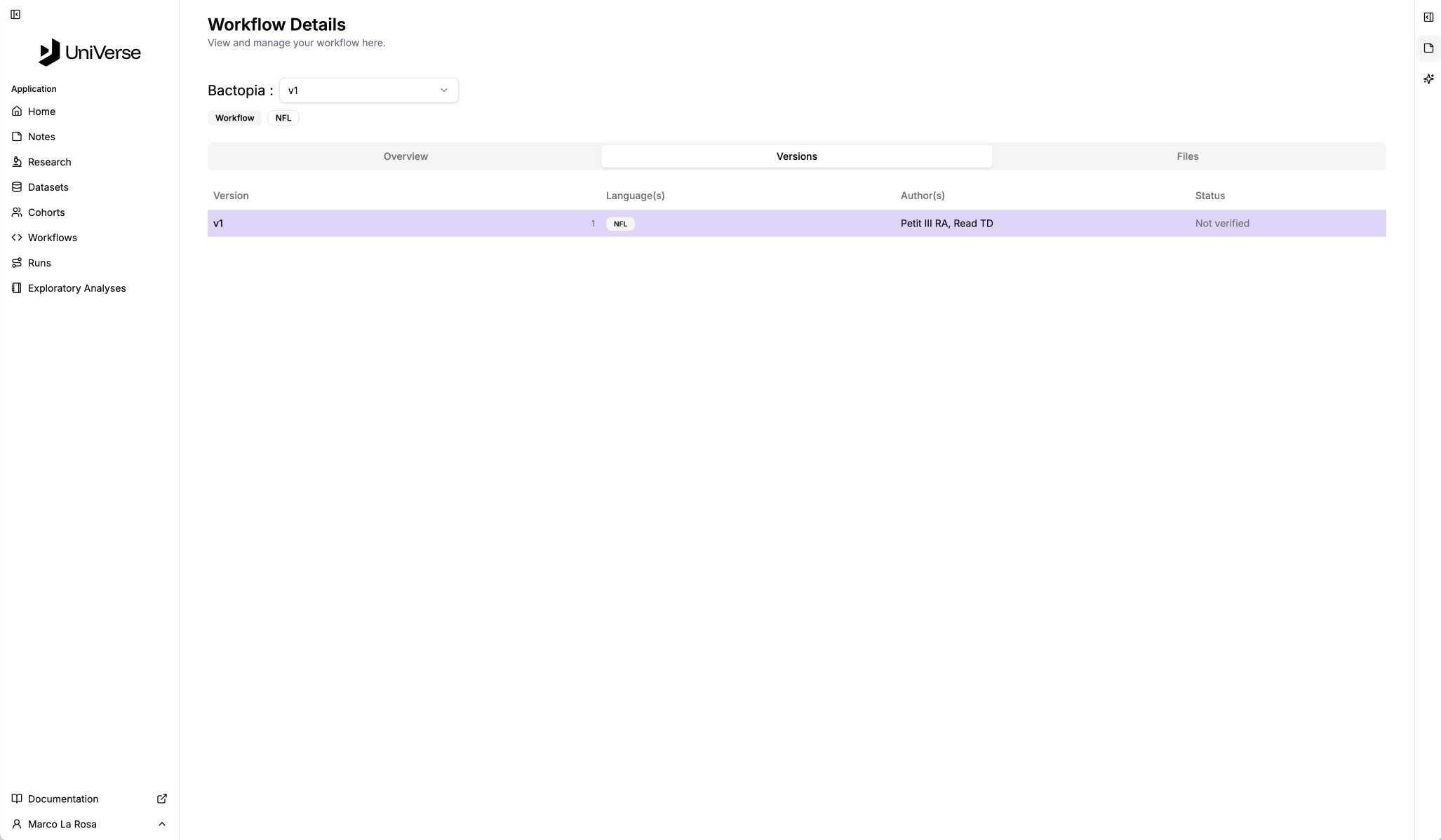
Click the image for a closer look!
- Files: The files included in the workflow.
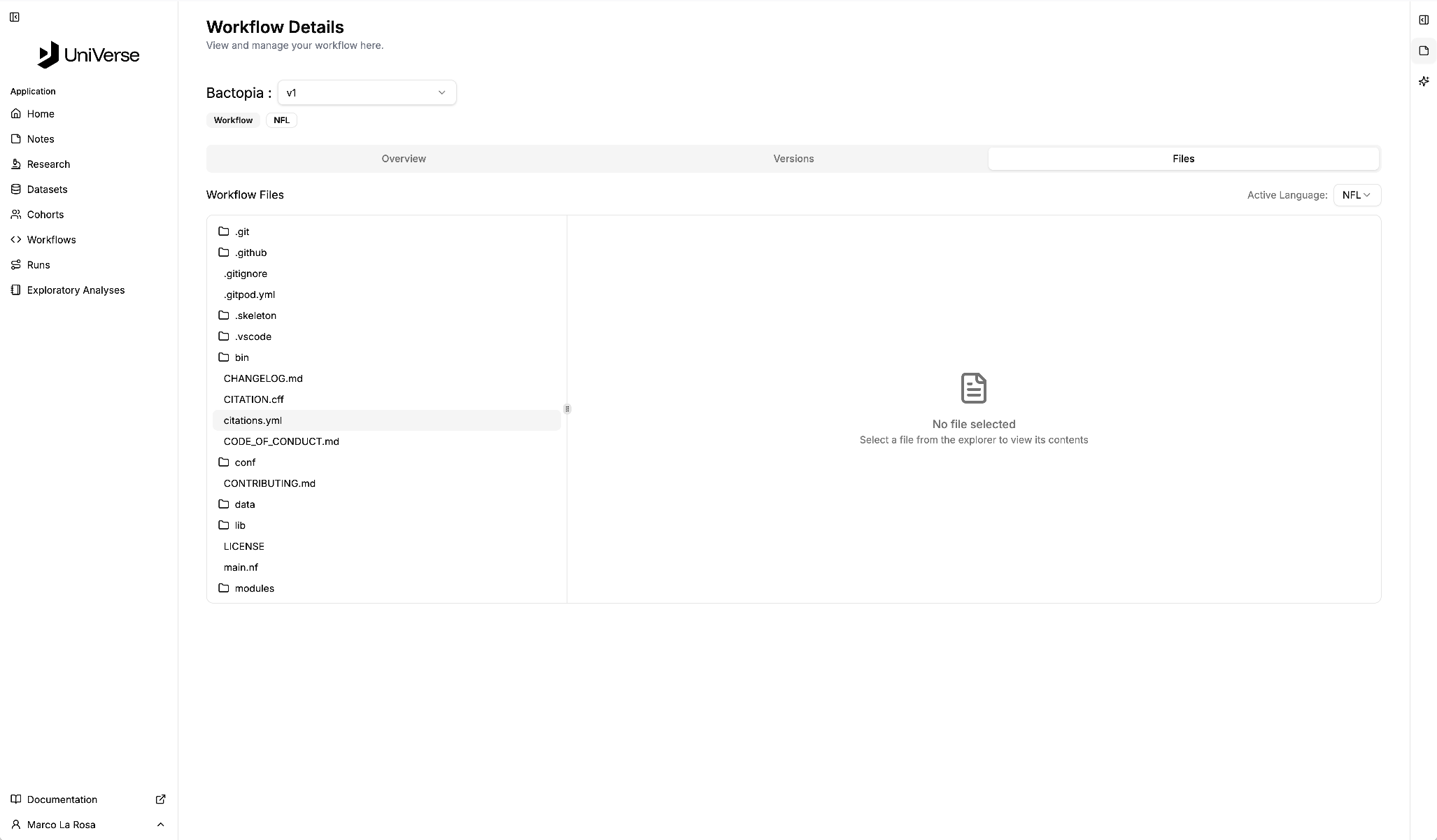
Click the image for a closer look!