

Browsing Public Workflows
The platform supports importing publically available workflows from upstream sources like WorkflowHub and Dockstore.
To browse these do the following:
Click the Browse Public Repositories button in the top-right corner of the workflows .
This will open the Tool Registry Service (TRS) interface which displays the workflows available from upstream repositories such as WorkflowHub and Dockstore.
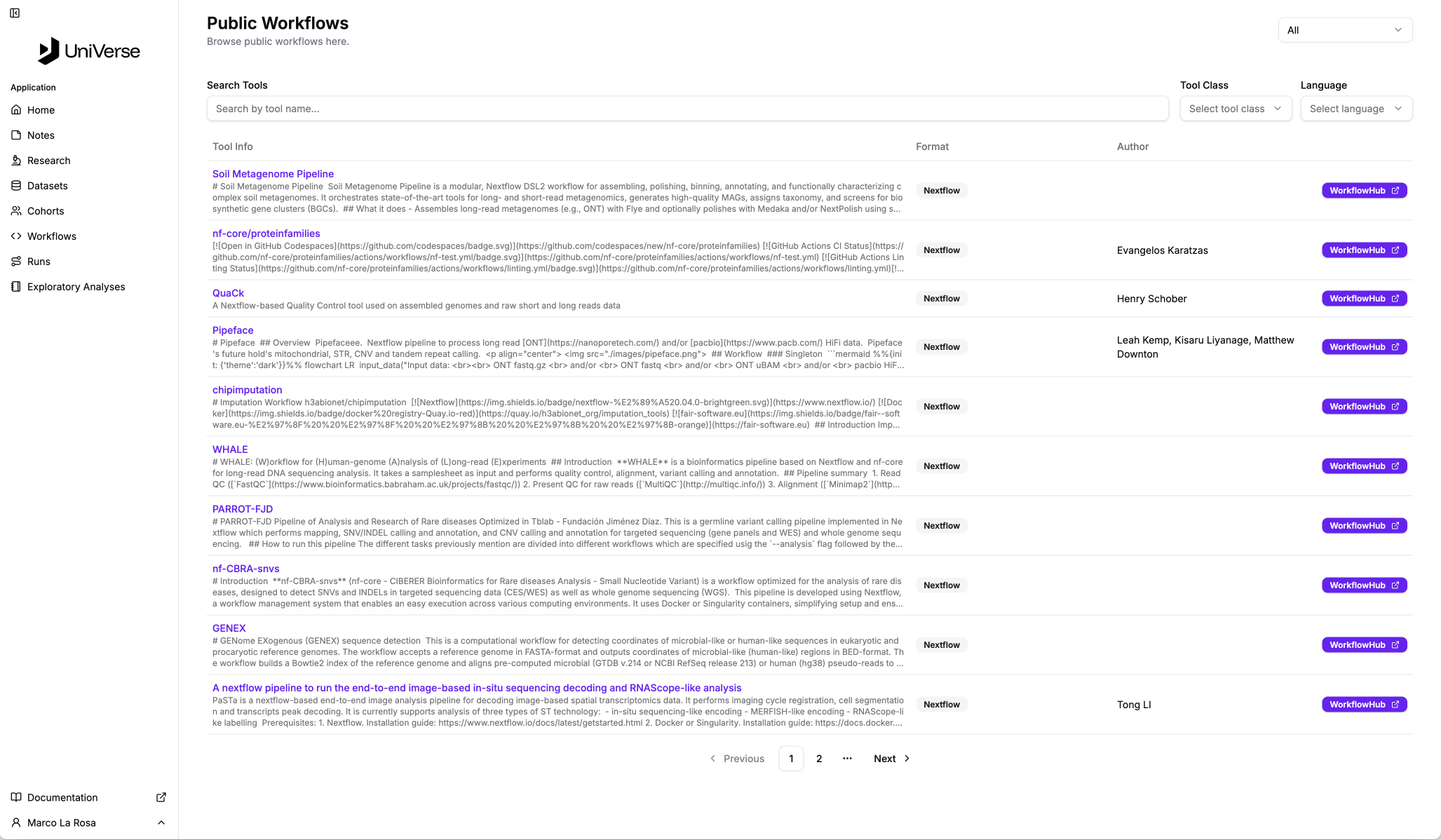 Click the image for a closer look!
Use the filters to narrow down workflows by Repository, Tool Name, Tool Class and Language.
Refresh Delay
Local repositories are synchronised with upstream sources at set intervals. As such, a workflow that has been recently published in an upstream repository will not be immediately available in our system.